
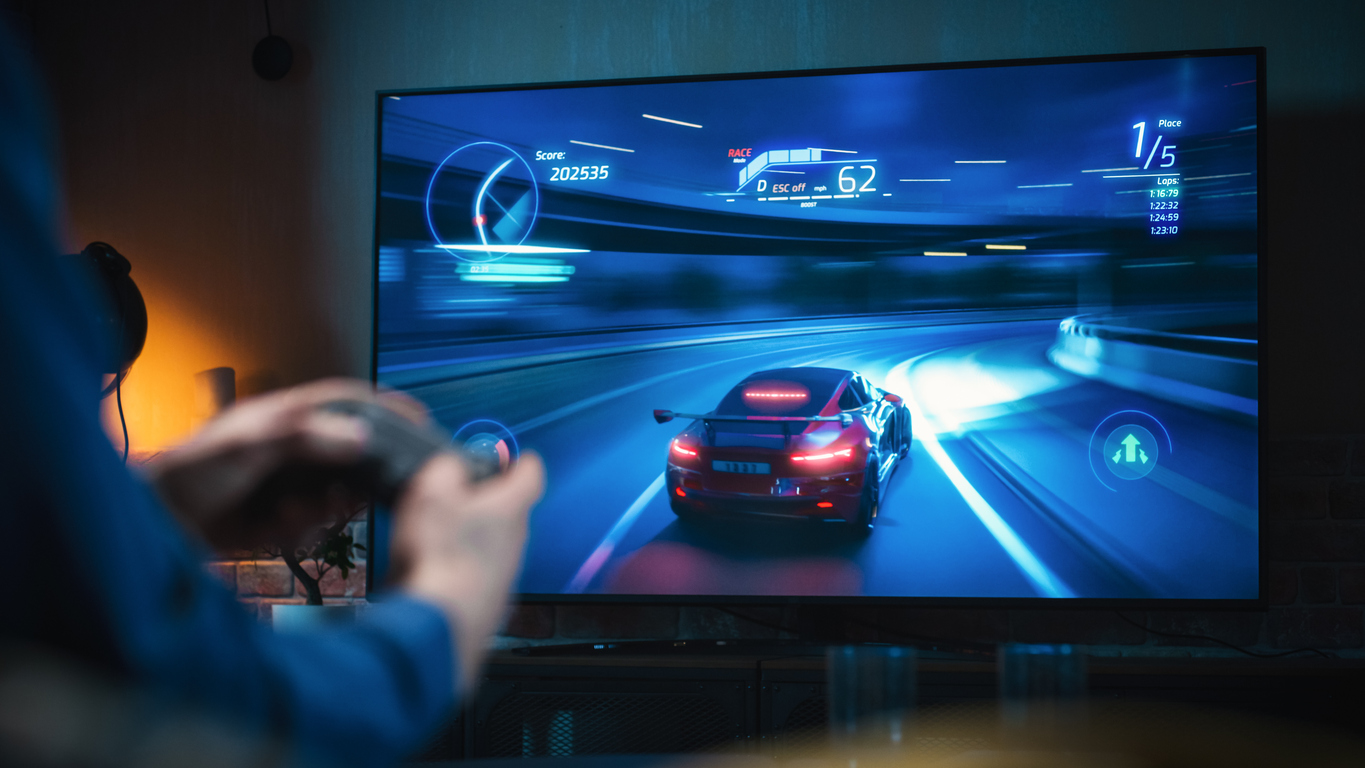
Your screen flickers just as you line up the perfect shot. The motion blur makes it impossible to see where the enemy is hiding. You bought a powerful console, but your old screen is holding you back. This frustration ruins your sessions every single time. You feel like you are playing behind a veil of lag.
Upgrade Your Gaming Setup
Explore our wide selection of high-performance displays and find the perfect match for your console._
Shop NowChoosing the right screen makes all the difference in how you play. At Spencer’s TV & Appliance, we see gamers struggle with lag and dim pictures daily. We help you find a screen that handles the speed of modern consoles. Getting the right display means seeing every detail and reacting faster than your opponents.
This guide looks at the best tv for gaming to help you win more often and enjoy the view. We cover refresh rates, panel types, and the best tv for gaming models available now. You will learn about HDMI 2.1 and how to match your screen to your specific gaming console.
Essential Specifications for the Best TV for Gaming
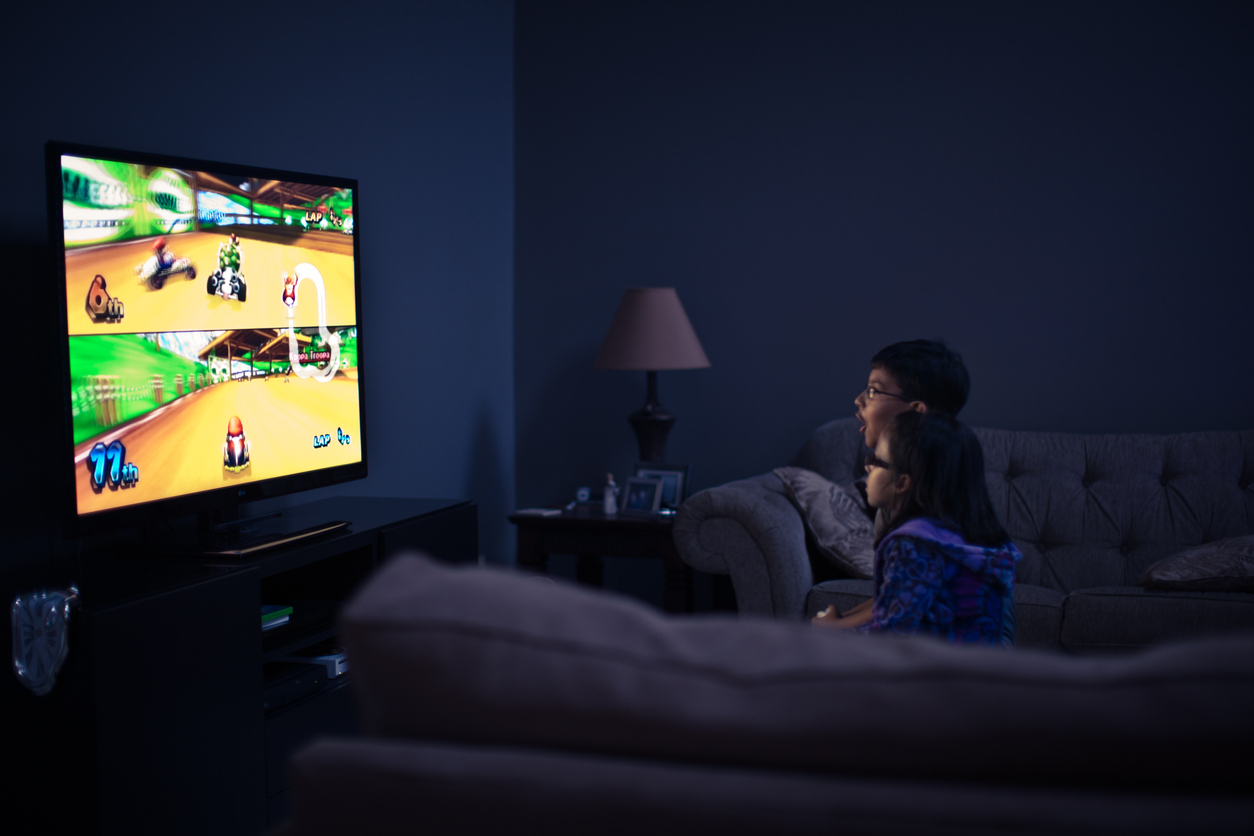
Modern games move fast. If your screen cannot keep up, you lose. The most important thing to look for is HDMI 2.1 bandwidth. This feature allows your console to send more data to the screen at once. It enables 4K resolution at 120Hz or even 144Hz. Higher refresh rates mean the image updates more often. This makes motion look smooth and clear instead of choppy.
You also need to check for a low input lag tv. Input lag is the time it takes for your button press to show up on the screen. Serious players want this number to be under 10 milliseconds. Most new screens have an auto low latency mode tv setting. This feature tells the display to turn off extra picture processing. It saves time and gives you a direct link to the action. It makes the game feel responsive and snappy.
Variable refresh rate tv technology is another must-have. You might see this listed as VRR, FreeSync, or G-Sync. These tools sync the screen to the console. They prevent screen tearing, which is when the image looks like it is splitting in half. It happens when the console's output doesn't match the screen's timing. With a gaming tv with vrr, the picture stays solid even during intense explosions or fast turns.
OLED vs QLED vs Mini-LED for Console and PC Gaming
Choosing a panel tech depends on where you play. OLED screens are famous for infinite contrast. Each pixel turns off completely to create perfect blacks. This makes high performance displays look incredible in dark rooms. The response times are near-instant. This means zero ghosting behind moving objects. However, OLED can suffer from burn-in if you leave a static HUD on the screen for hours every day.
QLED and mini led gaming tv options are better for bright rooms. These use a backlight and quantum dots to create a very bright picture. Mini-LED is a step up because it uses thousands of tiny lights. This allows for better control over dark areas compared to standard LED screens. You get bright highlights that make HDR gaming pop. These screens do not have the same burn-in risks as OLED. They are great for marathon sessions of the same game.
If you play atmospheric RPGs with dark caves, OLED is king. The shadows look deep and scary. If you play competitive shooters in a sunny living room, a bright Mini-LED is a smarter choice. You need to see into the corners without glare washing out the image. We often suggest QLED for families who use the TV for both gaming and daytime shows. It provides a great balance of color and brightness for all types of content.
Comparing Gaming TV Panel Types and Features
| Panel Type | Peak HDR Brightness | Black Levels/Contrast | Response Time | Ideal Room Lighting |
|---|---|---|---|---|
| OLED | Moderate | Perfect / Infinite | Near-Instant | Dark or Controlled |
| QLED | Very High | Good | Fast | Bright / Natural Light |
| Mini-LED | High | Great | Fast | Versatile |
Matching Your Gaming TV to the PS5, Xbox Series X, or PC
The PlayStation 5 and Xbox Series X are powerful machines. They need an HDMI 2.1 gaming tv to really shine. Without it, you are stuck at 60 frames per second. That is fine for some, but 120fps is a game-changer for sports and shooters. When looking for the best tv for ps5, check for HDR Tone Mapping features. This makes sure the bright and dark parts of the game look exactly as the developers intended.
Xbox owners should look for Dolby Vision support. Many Xbox games use this to provide better color and detail. If you are a PC gamer, your needs are even higher. You might want a screen that supports 144Hz or higher. You also want a low latency gaming display that works with Nvidia G-Sync. This keeps the experience smooth when your frame rates jump around.
Connecting a PC to a large screen is great for immersion. It makes the game world feel huge. You need to make sure your graphics card has an HDMI 2.1 port to handle the data. Using the wrong cable is a common mistake. Standard cables will cause the screen to black out or show static. We always tell customers to buy certified Ultra High Speed cables to avoid these headaches during setup.
Evaluating the Advantages and Disadvantages of the Best TV for Gaming
Investing in a top-tier display gives you a competitive edge and better visuals. You get to see the game world exactly how it was designed, but these features often come with a higher price tag.
Pros
Motion Clarity
Improves motion clarity during fast action.
Input Delay
Reduces input delay for faster reactions.
Visual Quality
Provides vibrant colors and deep blacks.
High Frame Rates
Supports high frame rates for smooth play.
Console Compatibility
Matches the power of next-gen consoles.
Cons
Higher Cost
Costs more than standard television deals.
Cable Requirements
Demands high-speed cables for full performance.
Calibration Time
Takes time to calibrate for perfect color.
Burn-in Risk
Risks image retention on certain panel types.
Room Environment and Viewing Angles for Gamers
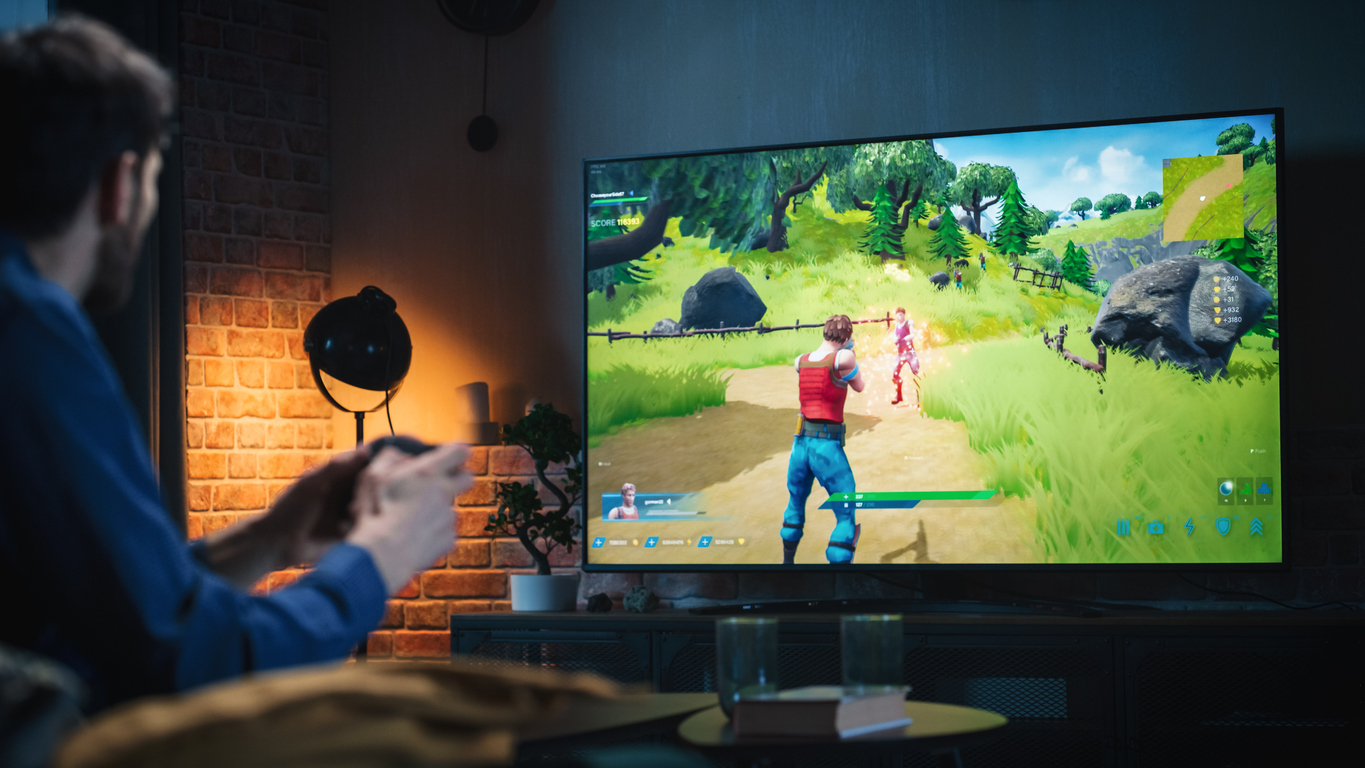
Your room dictates which screen you should buy. If you sit close, a massive screen might cause neck strain. If you sit too far, you lose the detail of 4K resolution. For most gaming rooms, a 55-inch or 65-inch screen is the sweet spot. You want to be able to see the entire map without moving your head too much. This helps you keep an eye on your health bar and ammo counts at the same time.
Lighting is the enemy of a good gaming session. Glare on the glass makes it hard to see enemies in the shadows. If you have big windows, look for a screen with an anti-reflective coating. Many QLED models have this built-in. OLED screens are often glossier. They look amazing but act like a mirror in a bright room. You might need blackout curtains to get the best experience from an OLED.
Viewing angles also matter for local multiplayer. If you play split-screen with friends, everyone needs a good view. Some screens look washed out if you are not sitting directly in front of them. OLED has the best viewing angles. No matter where you sit, the colors stay the same. Standard LED screens can lose color and contrast when viewed from the side. Think about how many people will be playing at once before you choose.
Top Recommendations for the Best TV for Gaming
Choosing the right screen is the final step to a perfect setup. We have picked models that lead the way in speed and color. These televisions handle the most demanding games with ease. They offer the ports you need for multiple consoles and smart home electronics.
Samsung QN990F 85" 8K Ultra HD QLED Vision AI Smart TV
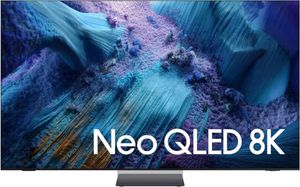
This massive 85-inch 8K screen is built for the future of gaming. It uses AI to upscale lower-resolution games, making your current library look sharper than ever. The QLED technology provides incredible brightness that punches through any room glare. With a high refresh rate and dedicated gaming features, it handles fast motion without any blur. It is a top choice for players who want the largest, most immersive screen possible. The built-in gaming hub makes it easy to find your favorite titles and settings quickly.
Top Features
- 8K Resolution: Provides four times the detail of standard 4K for a lifelike picture.
- Vision AI: Automatically improves the clarity of older games to match the high-end display.
- Quantum Dot Color: Delivers over a billion shades for a vivid and realistic gaming world.
Samsung The Terrace 85" 4K Ultra HD QLED Smart TV
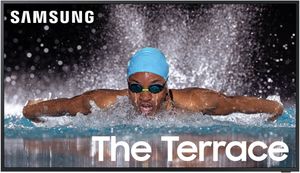
If you want to game on your patio or in a sunroom, this is the best tv for gaming for you. It is designed specifically for outdoor use with weather resistance and an extremely bright screen. You can play your favorite games even in direct sunlight without losing visibility. It maintains the low input lag and fast response times you expect from a premium Samsung display. This allows you to move your gaming rig outside for a fresh environment without sacrificing performance. It is a unique solution for high-end outdoor entertainment.
Top Features
- Weather Resistance: Built to withstand dust, moisture, and heat for outdoor gaming.
- Anti-Reflection Coating: Minimizes glare from the sun so you can see every detail outside.
- High Brightness: Reaches levels much higher than indoor TVs to fight natural light.
Samsung QN900F 65" 8K Ultra HD Neo QLED Vision AI Smart TV
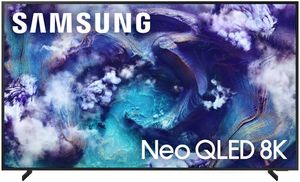
This 65-inch model brings elite 8K performance to a more manageable size for most living rooms. It uses Neo QLED technology with tiny backlights for precise contrast control. This reduces the "blooming" effect where bright objects bleed into dark areas. It is an excellent match for the best tv for ps5 search because it supports 120Hz gaming with ease. The bezel is nearly invisible, creating an "Infinity Screen" that lets you focus entirely on the game. It is a masterpiece of design and technical power.
Top Features
- Neo Quantum HDR: Produces stunning highlights and deep shadows for a realistic look.
- Infinity Screen: Offers a nearly borderless display for maximum immersion during gameplay.
- Object Tracking Sound: Moves the audio with the action on the screen for better awareness.
Samsung QN80F 65" 4K Ultra HD Neo QLED Vision AI Smart TV
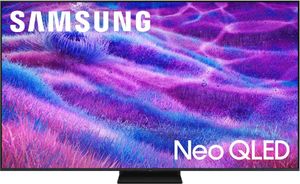
The QN80F is a fantastic best budget gaming tv option for those who want high-end features without the 8K price. It still uses the advanced Neo QLED panel for great brightness and color. You get full HDMI 2.1 support across the ports, which is perfect for hooking up both a PS5 and an Xbox. The input lag is minimal, making it a great choice for competitive online play. It provides a balanced experience with sharp 4K visuals and smooth motion. We often recommend this for gamers who want quality performance in a standard setup.
Top Features
- Direct Full Array: Controls backlighting across the screen for better black levels and contrast.
- Motion Xcelerator: Smooths out fast-moving scenes in racing games and first-person shooters.
- Gaming Hub: Keeps all your consoles and streaming game apps in one organized location.
Upgrade Your Entertainment Center with the Best TV for Gaming
Finding the right screen requires balancing refresh rates, panel types, and your specific room lighting. Whether you choose the deep blacks of an OLED or the high brightness of a Mini-LED, the right choice will transform your play.
When you are ready to upgrade, shop at Spencer’s TV & Appliance. We offer local expertise that big-box stores simply cannot match. Our team understands the technical specs of modern consoles and can help you find the perfect fit. When mounting a large 8K or OLED screen, we suggest checking that your wall bracket can handle the specific weight distribution, as these panels are often thinner at the top but very heavy at the base where the electronics live. We provide professional local delivery and seamless installation to make sure your new setup is ready for game night.
Frequently Asked Questions about the Best TV for Gaming
A gaming monitor typically offers higher refresh rates and faster response times for close-up play at a desk. A gaming TV provides a larger screen for living room immersion and includes better HDR performance for cinematic experiences.
You need HDMI 2.1 to enable 4K gaming at 120 frames per second on these consoles. Using an older port will limit you to 60 frames per second and may prevent you from using features like VRR.
Modern OLED screens are much safer than older models because they include software tools to prevent pixel wear. However, we recommend varying your content to avoid leaving bright, static HUD elements on the screen for hundreds of hours.
VRR stands for Variable Refresh Rate and it allows the TV to match its refresh rate to the console's output in real-time. This prevents screen tearing and makes games feel smoother even when the frame rate drops during heavy action.
A good input lag time for a modern screen is anything under 20 milliseconds, but the best models are now under 10 milliseconds. Lower input lag makes your controls feel more immediate and responsive during fast-paced play.
A 55-inch or 65-inch screen is usually best for a standard living room where you sit 6 to 10 feet away. This size allows you to see the 4K detail without having to move your head to track the action.
Why Trust Spencers TV & Appliance?
Since 1973, Spencers TV & Appliance has grown to 11 locations throughout the Phoenix Metropolitan Area. The secret to our longevity is simple: personal service. Customer satisfaction has always been the focus of our business, and throughout the years, we have been able to work hard with our suppliers to bring you the best prices. After all, getting customers the best price and personal attention is how we compete with big-box stores, day in and day out.
Not only do we offer top-rated appliances, name-brand electronics, and the best mattresses on the market but we also provide water treatment solutions and perform kitchen design services. Stop by your nearest Spencers and see what you’re missing!
Shop TVs at Spencers
At Spencers TV & Appliance, we provide high-quality, name-brand products at great prices. Call us, or better yet, stop by at one of our locations in the Phoenix, Scottsdale, and Glendale regions. Visit us today!